Windchill Business Administrator
Overview
If a user is assigned privileges to be an extension administrator they may perform certain actions to manage the extensions. Normally only site administrators may administer extensions. This article will show the features and functions available both to site and business administrators
Assigning an extension admin
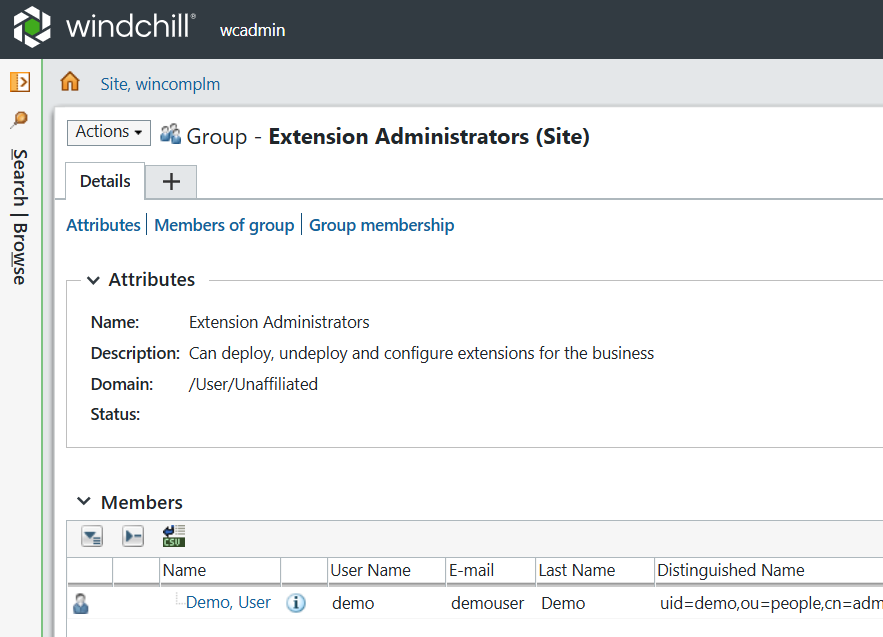
A site admin must add the user that will become an extension admin by adding them to the group “Extension Adminstrators” which exists in the system by default.
Extension Manager
This user will now have access to a limited version of the extension manager. The manager is now available via the Quick Links menu.
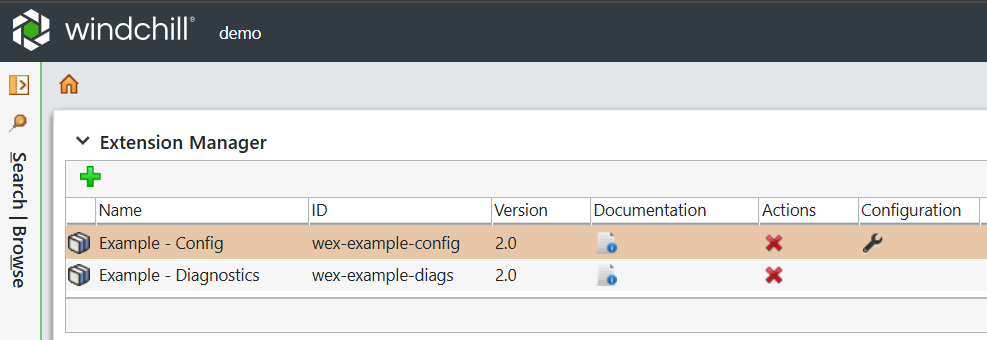
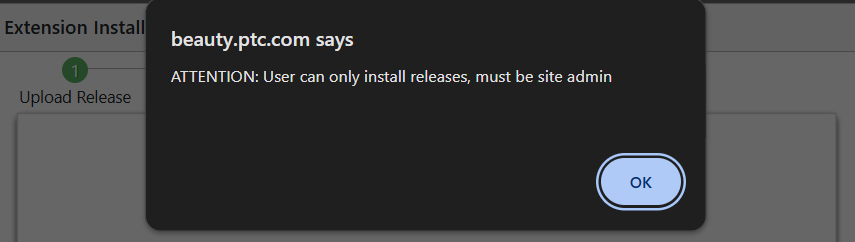
This limited version will allow this user to deploy and undeploy extensions They can access the user documentation and a limited set of configuration options. They cannot access any diagnostics. They can only deploy released versions of extensions and are not permitted to install beta versions.
Configuration Options
Although the user may access configurations options, only those that are permitted are shown.
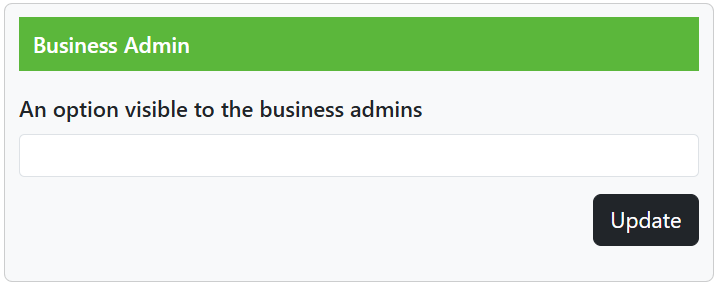
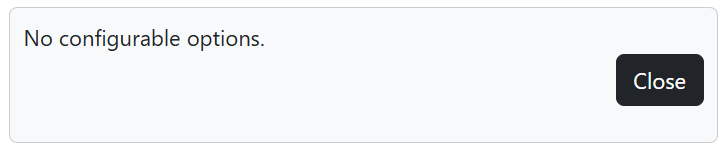
In the case of that none are available the following message is shown.
Site Admin Options
The following options are ONLY available to the site admin
- Show and configure system extensions
- Download logs
- Any diagnostics
- Cluster management